
How to collect and validate a VAT number at Shopify checkout (without Plus)
If you sell to businesses in the EU or the UK, you already know the routine. A company places an order, the accountant emails two days later asking for an invoice with their VAT number on it, and someone on your side edits the invoice by hand. Twenty orders a month and that is a real chunk of somebody’s week.
The root cause is simple: standard Shopify checkout has no field for a VAT number, and adding one is harder than it looks.
Why you can’t just add the field to checkout
Shopify lets apps extend checkout with checkout UI extensions, but the ones that render on the information, shipping and payment steps are only available to Shopify Plus stores. On Basic, Shopify or Advanced those steps are locked for everyone, and no app can unlock them for you.
What every plan does get (except Starter) are extensions on the thank-you page and the order status page. That distinction shapes every option below.
The four options
1. The cart note
Turn on order notes in the cart and ask for the VAT number there. Free and done in ten minutes.
It works badly. The note is free text, so you get numbers with spaces, missing country prefixes, a company registration number instead of a VAT ID, or nothing at all. It isn’t validated and it isn’t stored anywhere structured, so your invoicing app can’t read it either.
2. The company field
Shopify’s checkout can show a “Company” field on the address form, and some stores ask buyers to type the VAT number in there. It is slightly better than a note because it lands on the shipping or billing address, but it is still free text, it collides with the actual company name, and it breaks address validation for carriers.
3. Checkout extensibility on Plus
On Shopify Plus you can add a proper VAT field to the information step with a checkout UI extension, validate it, and even use it in a Shopify Function to remove VAT for a validated reverse-charge buyer. This is the cleanest setup. It also starts at Plus pricing, which nobody adopts for a single input field.
4. An app that uses the cart and thank-you page
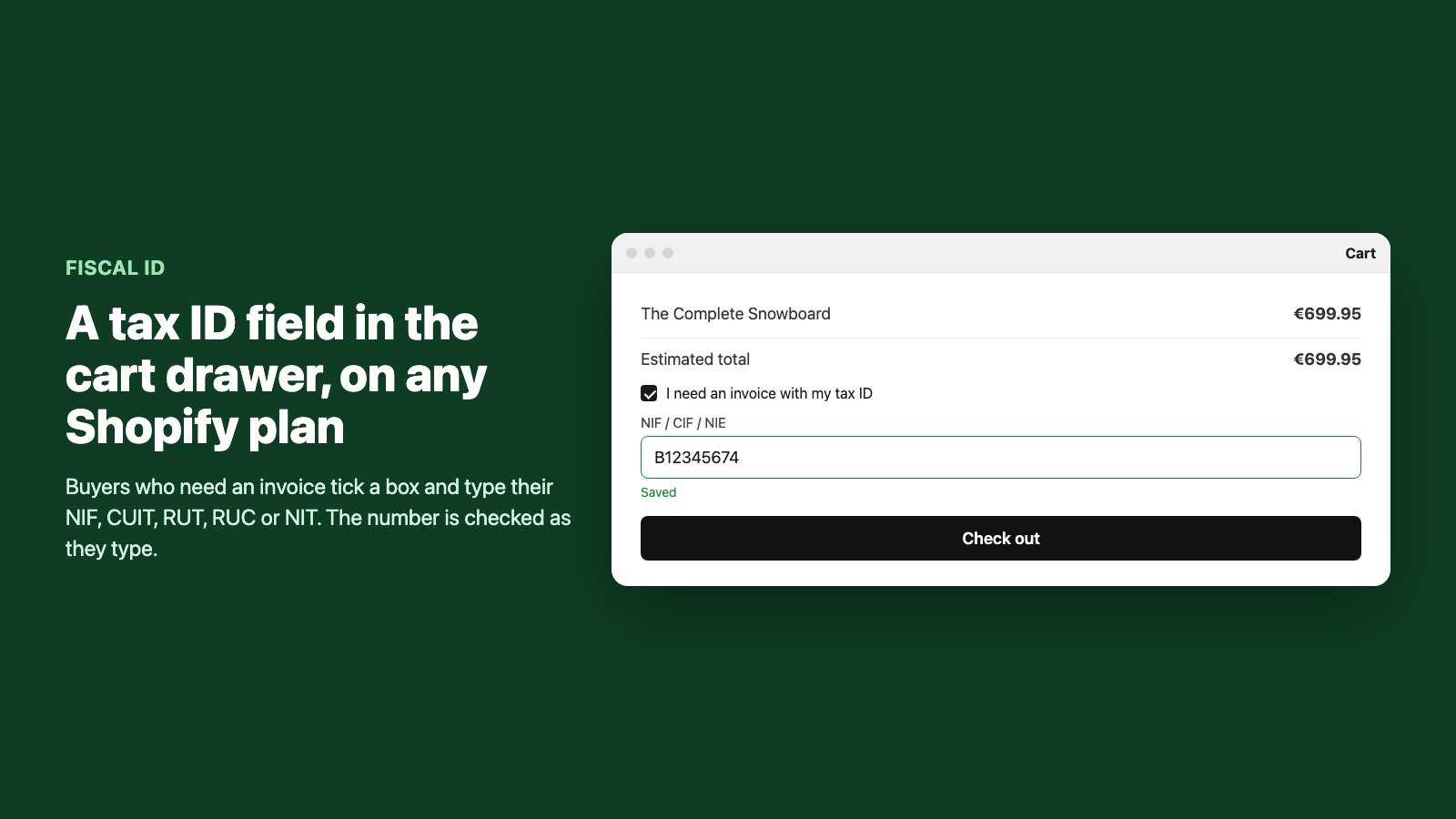
The practical route on any plan: a theme app extension that adds the field to the cart page and the cart drawer, before the buyer reaches checkout. That works on every plan with an Online Store 2.0 theme. Pair it with a thank-you page extension to catch buyers who skipped the cart through an express checkout button, and a customer account block so returning buyers only type it once.
What “validation” really means
This is where a lot of app listings are vague, so let’s be precise. There are two different things people call VAT validation.
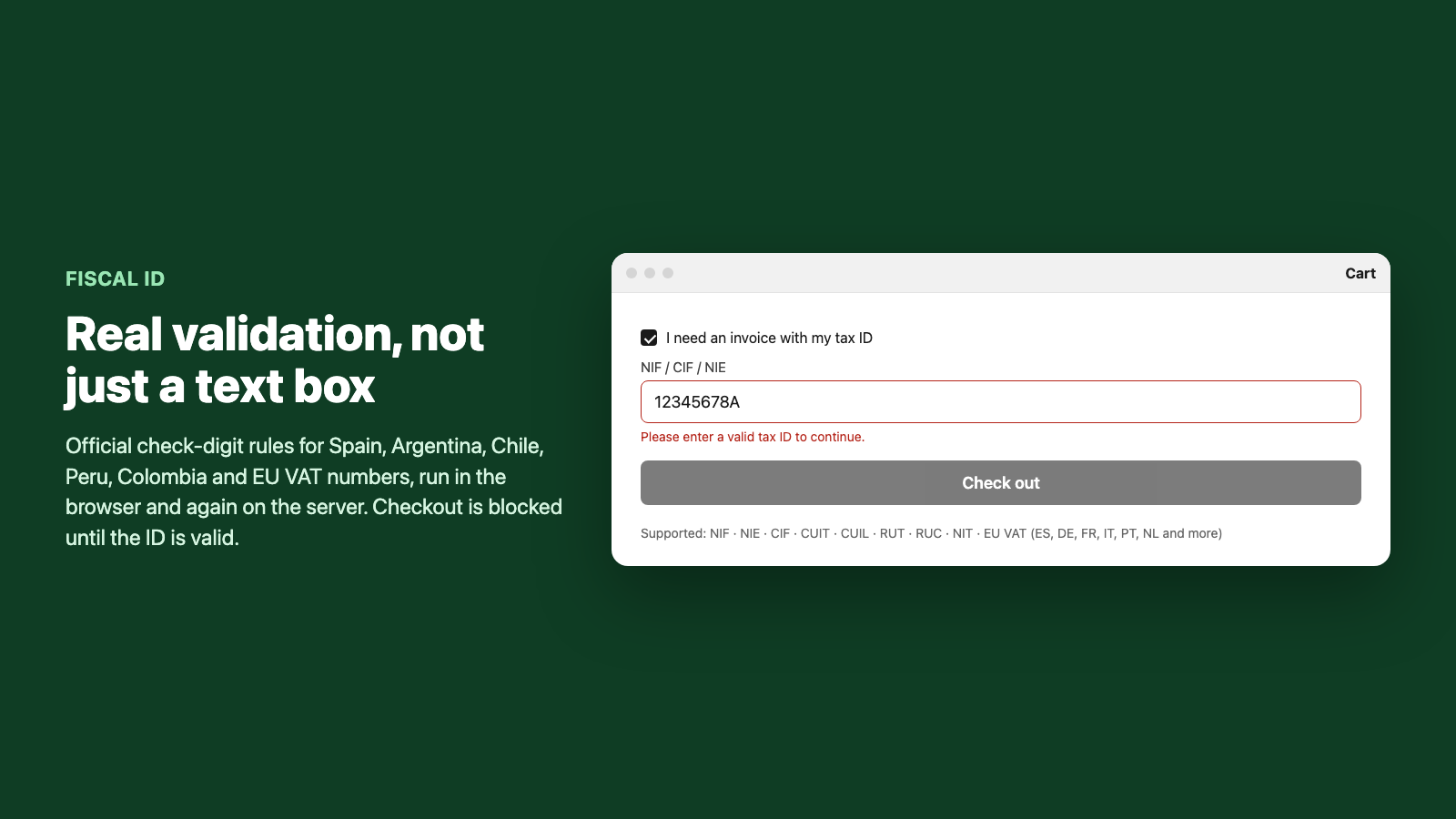
Format and check digit. Every EU member state (and the UK) defines a structure for its VAT number, and most include a checksum. A Spanish NIF ends in a letter computed from the digits, a German USt-IdNr. has a mod-11 check, a UK VAT number has a mod-97 check, and so on. This is a closed rule that runs in milliseconds in the browser. It catches typos, wrong lengths, the wrong country prefix and pasted-in company numbers, which in practice is most of the errors you see.
Registry lookup. Checking the number against VIES (the EU’s VAT Information Exchange System) or HMRC’s VAT checker confirms the number is actually registered and active, and returns the registered company name. This is what you need if you intend to zero-rate a sale under reverse charge, because the tax authority expects you to have verified the counterparty.
Fiscal ID does the first today, in the cart and again on the server. VIES and other registry lookups are on the roadmap and not shipped yet, so if your process depends on a registry check before removing VAT, do that check in your invoicing tool or in VIES directly for now.
Getting the number into your invoicing app
Collecting the number is half the job. It has to reach the invoice without anyone retyping it.
The clean way is order and customer metafields. Fiscal ID writes fiscal_id.value, fiscal_id.type, fiscal_id.country and fiscal_id.status on the order, and mirrors the value on the customer. Invoicing apps like Sufio, Quaderno, Holded and most accounting connectors can map an order metafield onto the VAT number field of the invoice, and once it is on the customer record a repeat buyer never has to enter it again.
Orders that come in without a valid number get a tag (fiscal-id-missing or fiscal-id-invalid) so you review them before invoicing rather than at month end.
FAQ
Does this make the order tax exempt? Not by itself. Collecting and validating the VAT number is the prerequisite; whether VAT is charged is decided by your tax settings, by marking the customer as tax exempt in Shopify, or by a Shopify Function on Plus. On non-Plus plans the usual approach is to invoice with the VAT number and handle reverse charge in your accounting.
Can I make the field mandatory? Yes. You can require it always, only when the buyer ticks “I need an invoice”, or above a certain order value, and checkout is blocked until the number passes.
Which countries are covered? All EU VAT formats and the UK, plus check-digit validation for Spain, Argentina, Chile, Peru and Colombia, and format validation for tax IDs in more than 80 countries.
Summary
- Checkout steps are Plus-only; on Basic, Shopify or Advanced you collect the number in the cart with the thank-you page as backup.
- Validate format and check digit as the buyer types; use a registry lookup before zero-rating a sale.
- Store the number in metafields so your invoicing app reads it without manual work.
Fiscal ID does exactly this on any Shopify plan for 6.99 USD a month: a validated VAT or tax ID field in the cart, cart drawer, thank-you page and customer account, saved to metafields your invoicing app can read.
Fiscal ID does this for you on any Shopify plan.
Fiscal ID adds a NIF, CIF, CUIT, RUT, RUC or NIT field to the cart, checks it as the buyer types, and stores it on the order so your invoices are right the first time.
Install from the Shopify App Store